Open source · MIT · BYOK

AI image generation,
right in your side panel.

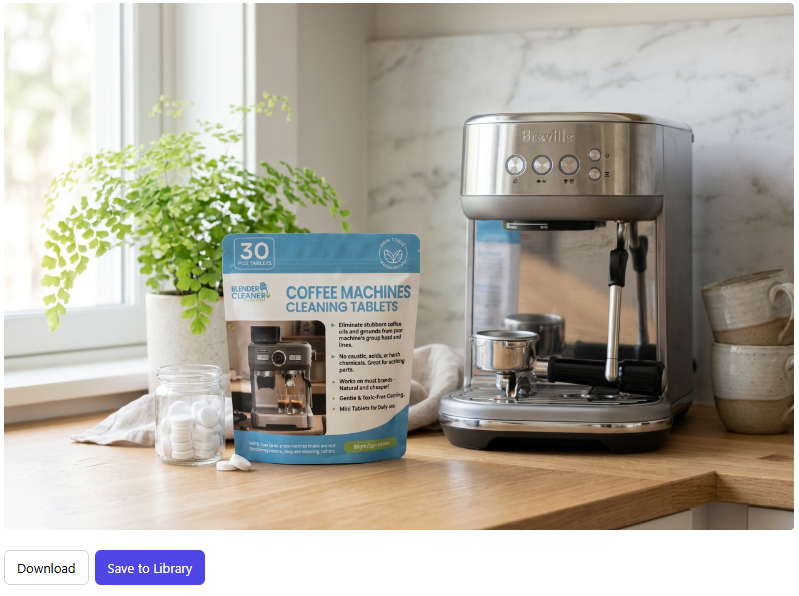
ReadyCode ImageKit is a free Chrome extension that lets you generate, respin and save AI images from any tab — using your own AI provider key. No subscription, no markup.
What it does

Three actions, one side panel. No new tab, no context switching.

Generate

Type a prompt, pick a style preset, and create a fresh image with your chosen AI model.

Respin

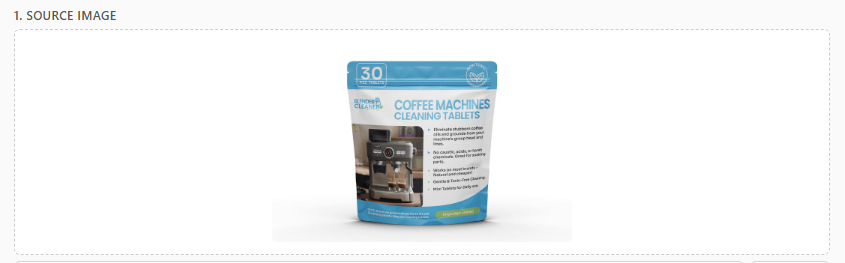
Grab any image on the page (or upload one) and reimagine it with a new prompt and style.

Save to Library

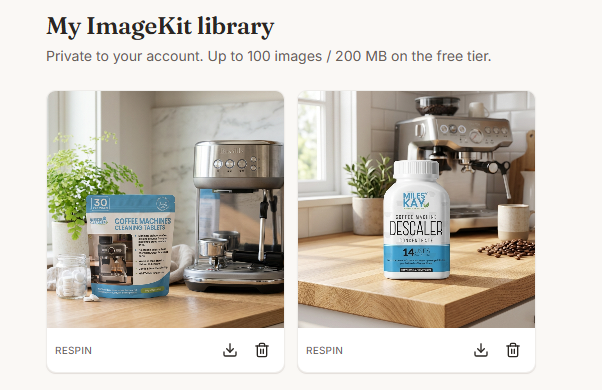
One click sends the result to your private ReadyCode image library, ready to reuse.

How it works

  1. 01

    Install the extension

    Add ImageKit from the Chrome Web Store, or load the open-source build from GitHub.

  2. 02

    Bring your own key

    Connect your OpenRouter (or other provider) key on readycode.ai. ReadyCode never bills for inference.

  3. 03

    Generate from any tab

    Open the side panel, prompt or right-click an image, then save the result to your library.

Open source & free

The extension is MIT-licensed and fully auditable on GitHub. You bring your own AI provider key — your provider bills you directly. No middleman, no markup.

Read the source on GitHub →

Connected to ReadyCode

ImageKit stores your generated images in a private library on readycode.ai. The core storage tier is free today. Advanced features (team libraries, larger quotas, bring-your-own-storage) will be paid in the future — the extension itself stays free and open source.

Create a free ReadyCode account

Try ImageKit in under a minute.

Install the extension, link your free ReadyCode account, plug in your AI key, and start generating.